


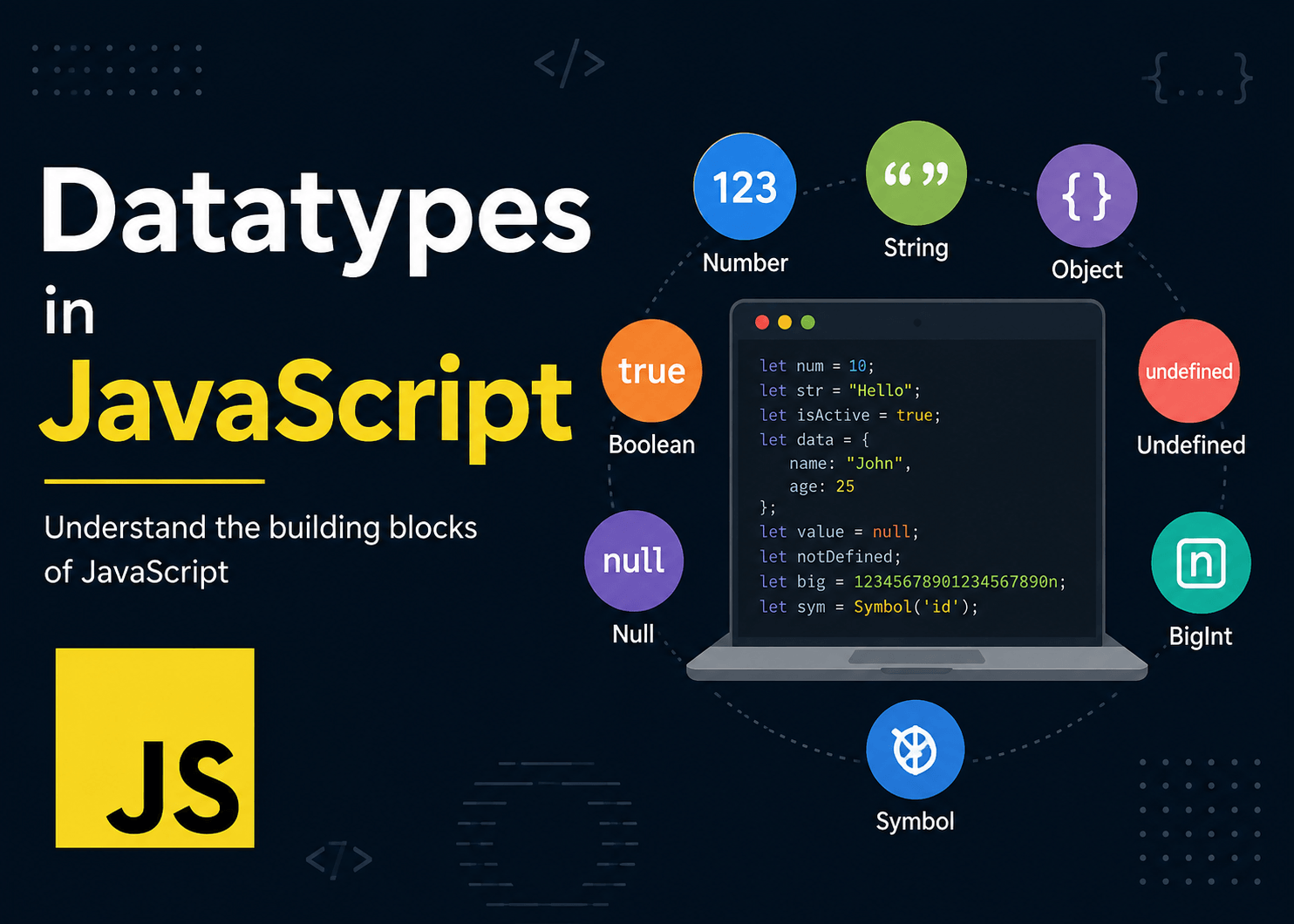
What are Data Types in JavaScript?
- Data types represent the type of information a variable has.
- Every programming language has its own set of data types.
- JavaScript also has several data types, but as programmers, we usually don’t declare them explicitly.
- JavaScript is a loosely typed scripting language, so data type declaration is not required. The data type is determined internally at runtime.
- In TypeScript, we can declare data types explicitly because it is a stricter superset of JavaScript. Therefore, it is important to understand data types.
How Are Data Types Classified in JavaScript?
In JavaScript, data types are mainly classified into two categories:
-
Primitive Data Types
- String
- Number
- BigInt
- Boolean
- Undefined
- Null
- Symbol
-
Non-Primitive Data Types
- Object
- Array
- Function
- Date
- Map
- Set
- RegExp
String
- In JavaScript, a string is used to represent textual information, similar to other programming languages.
- JavaScript supports different ways of declaring strings.
- For example:
"Hello",'Hello', and`Hello`.
let name = "John";
let city = 'Mumbai';
let message = `Hello ${name}`;
let name = "Akshay";
let age = 30;

console.log(`My name is ${name} and I am ${age} years old.`);
Number
- JavaScript has Number type for both integers and decimals.
- JavaScript doesn’t have separate int, float, and double types in normal use.
- E.g.
let age = 30;
let price = 99.99;
let temperature = -10;
BigInt
- Number can not safely represent arbitrarily large numbers.
- For very large integers JavaScript provides BigInt.
- To represent BigInt number its required to use ‘n’ as suffix at the end.
E.g. let bigNumber = 123456789012345678901234567890n;
Boolean
- Boolean has only two values i.e. true and false.
- It is also known as toggle data type which is mostly used in decision making statements to check the conditions.
- Boolean values are extremely important in JavaScript because many values can be automatically converted to true or false.
- E.g.
let isLoggedIn = true;
let isAdmin = false;
Undefined
- Undefined generally means variable exists but doesn’t have any value.
let name;
console.log(name);- This will produce output as Undefined.
Null
- Null means there is intentionally no value.
let selectedUser = null;
- Strange JavaScript behavior
- typeof null
- Returns object
- Even though null is a primitive value, typeof null says “object”.
Symbol
- Symbol is primarily used for creating “unique identifiers”.
let id1 = Symbol("id");
let id2 = Symbol("id");
console.log(id1 === id2);- This will return false even though both have description “id” they are Symbols.
- If you print typeof(id1) then output will be Symbol.
Object
- This is the most important data-type to understand in JavaScript.
- An Object stores data in key-value pairs.
let person = {

name: "Akshay",

age: 30,

city: "Mumbai"

};- To access the value of particular key inside the object use property name with object reference.
console.log(person.name);
- Arrays, functions, dates, maps, sets, etc. are technically built around objects.
